




Last Updated: October 31, 2026
Quick Summary
The best remote team collaboration tools in 2026 fall into three groups: communication platforms like Slack, Microsoft Teams, and Zoom; project management systems like Asana, Trello, Wrike, and monday.com; and async-first workspaces like Notion and Miro. The right stack depends on how your team communicates, not on which app has the longest feature list.
- Slack handles persistent chat and team channels well and is a common choice for real-time messaging.
- Microsoft Teams makes more sense if your business already runs on Microsoft 365.
- Trello is known for simple, visual boards that many small teams use to track work through stages.
- Per-user pricing adds up as seat counts grow, so calculate annual cost at expected headcount.
- Assign one named owner inside the business, usually the office manager, to enforce the new process.
Table of Contents
- Quick Comparison: Best Remote Team Collaboration Tools for 2026
- Team Communication Tools: Slack, Microsoft Teams, and Zoom
- Project Management Tools for Remote Teams: Asana, Trello, Wrike, and monday.com
- Asynchronous Communication Tools: Notion and Miro for Time-Zone Overlap
- Team Collaboration Software Pricing: Real Costs and Scaling
- Security, Accessibility, and Migration: What Most Roundups Skip
- Book a Consultation to Build Your Remote Team Stack
- Frequently Asked Questions
Quick Comparison: Best Remote Team Collaboration Tools for 2026
The best remote team collaboration tools in 2026 fall into three groups: communication platforms, project management systems, and async-first workspaces. The right stack depends on how your team communicates, not on which app has the longest feature list.
| Tool | Category | Starting Price | Best For |
|---|---|---|---|
| Slack | Team communication | Plan-based | Real-time chat and team channels |
| Microsoft Teams | Team communication | Plan-based | Teams already on Microsoft 365 |
| Zoom | Video meetings | Plan-based | Client calls and daily standups |
| Asana | Project management | $13.49 per user/month | Coordinating shared work |
| Trello | Project management | Plan-based | Visual task tracking |
| Wrike | Project management | Per-user pricing | Workflow management at scale |
| monday.com | Project management | $27/month for three seats | Cross-functional collaboration |
| Notion | Async documentation | Plan-based | Shared workspace and docs |
| Miro | Visual collaboration | Plan-based | Whiteboarding across time zones |

The 9 tools we cover handle messaging, task management, file sharing, and real-time collaboration without forcing your team into one vendor’s ecosystem.
Team Communication Tools: Slack, Microsoft Teams, and Zoom
Team communication tools are the platforms that carry day-to-day messaging, meetings, and file sharing for a distributed team. They matter most when your crew is spread across job sites and a home office.
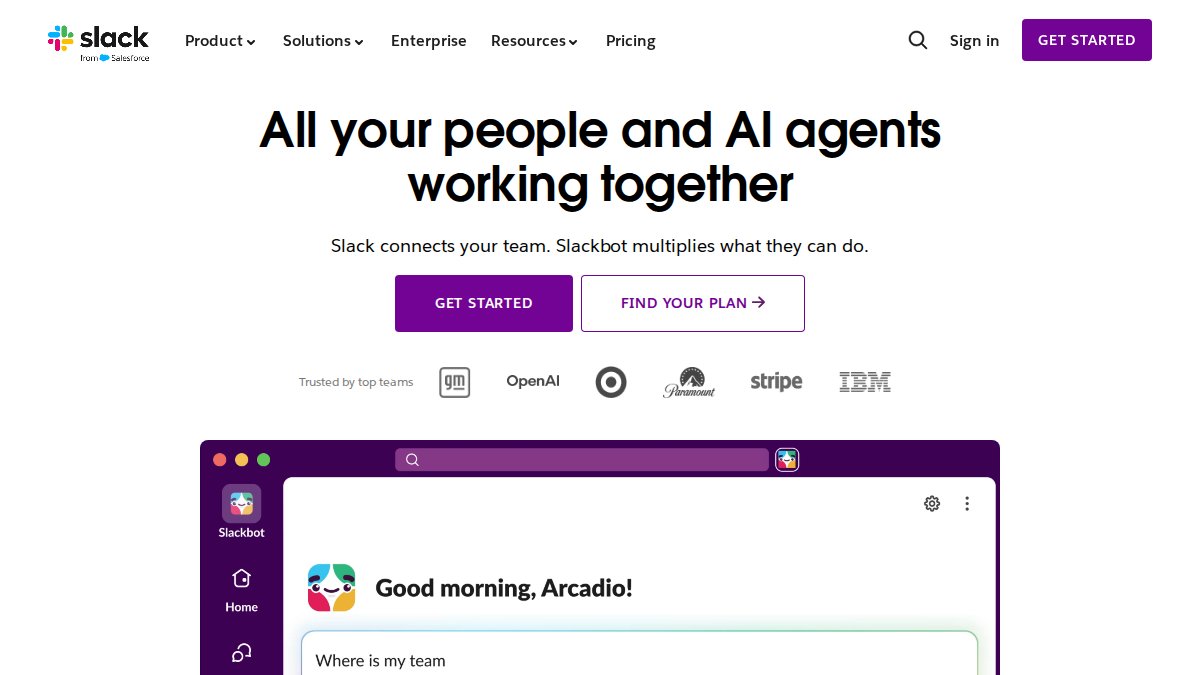
Slack handles persistent chat and team channels well, and it is a common choice for real-time messaging. Check the vendor’s official page for current plan limits and pricing before you commit.
Microsoft Teams makes more sense if your business already runs on Microsoft 365.
Zoom is a widely used option for video meetings and client calls.
Project Management Tools for Remote Teams: Asana, Trello, Wrike, and monday.com
Project management tools for remote teams decide who does what and when. For a distributed crew, that is dispatch, estimates, and follow-ups in one shared view.
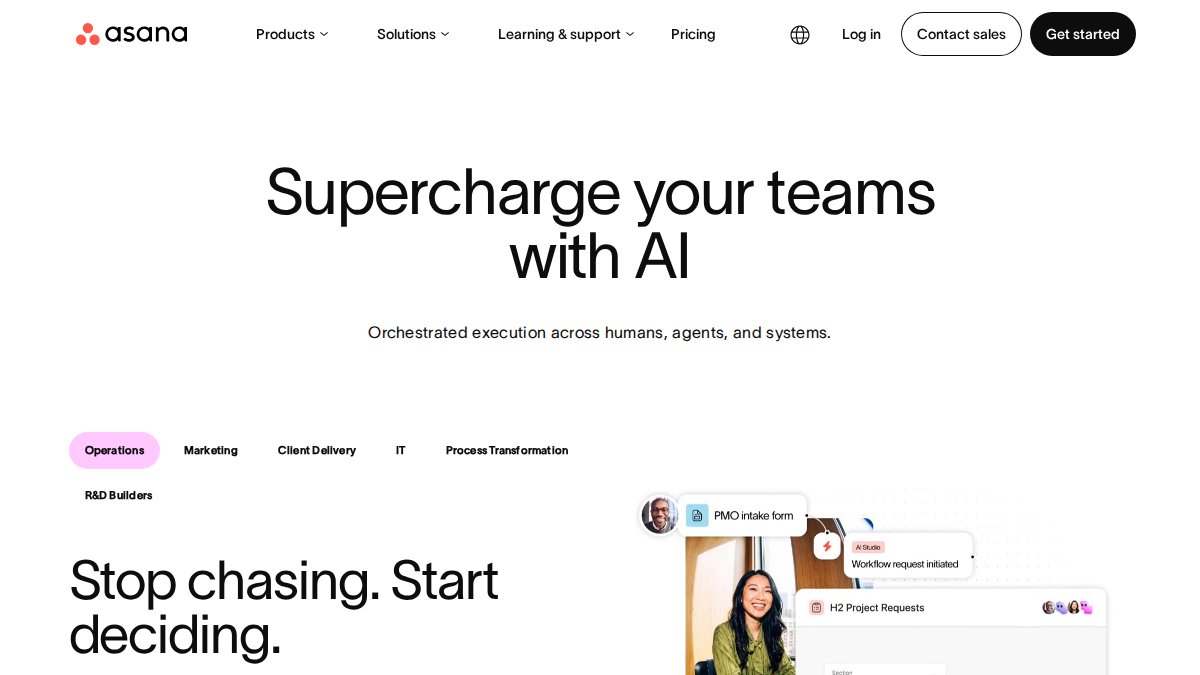
Asana is a widely used option for coordinating shared work. Confirm current pricing and plan details directly with the vendor.
Trello is known for its simple, visual boards, which many small teams use to track work through stages.
Wrike is commonly used for workflow management at scale. Confirm current pricing directly with each vendor.
Asynchronous Communication Tools: Notion and Miro for Time-Zone Overlap
Asynchronous communication tools let your team swap updates without everyone online at once. That matters when your estimator works early and your dispatcher works late.
Notion is commonly used as a shared workspace for documentation and process notes.
Miro is commonly used for visual collaboration such as whiteboarding.
The trade-off is discipline. Async only works if someone owns the documentation and keeps it current. Otherwise you get a graveyard of outdated pages.
Team Collaboration Software Pricing: Real Costs and Scaling
Team collaboration software pricing is often based on the number of users, so total cost can rise as headcount grows.
Here is the pattern that catches buyers off guard, in the order it usually hits:
- Per-seat math compounds quietly. Per-user pricing adds up as seat counts grow, so calculate the annual cost at your expected headcount before you commit.
- Seat minimums and billing tiers. Some project management platforms price in bundles rather than single seats. Always confirm whether the plan bills monthly or annually and what the terms are.
- Storage and meeting limits can push you up a tier. Free and entry plans often cap file storage, message history, and meeting length, so check those limits against how your team works.
- Admin, security, and integration controls may sit on higher-priced plans. Check which features each plan includes. If you handle client financial data or regulated records, budget for the tier that includes them rather than discovering the gap during onboarding.
- The hidden labor line. Every tool needs an owner. Someone has to configure channels, build templates, clean up stale boards, and train new hires. That admin time is a real cost, and it is the line most pricing comparisons leave out entirely.
A realistic total-cost-of-ownership model
Rather than comparing list prices, build a three-year estimate with four lines: (1) seats × plan rate × 12, (2) the tier upgrade you will likely need within year one, (3) add-ons such as storage, guest seats, or advanced security, and (4) internal admin hours per month × a loaded hourly rate. Accounting for these hidden operational costs provides the necessary clarity to implement effective strategies for scaling as your organization grows.
A tool that saves your office manager five hours a week pays for itself faster than a cheaper app nobody opens. For the broader ROI case, see how remote teams boost profit margins. Run the math on total cost of ownership, not the sticker price, and re-run it at 10, 25, and 50 seats, because the plan that fits a five-person shop is rarely the plan that fits a 40-person operation.
Ask each vendor two questions before you sign: “What triggers an automatic tier upgrade?” and “Which security and admin features are excluded from this plan?” The answers usually reveal more about real cost than the pricing page does.
For a deeper look at the cost side, see how remote teams boost profit margins. collaboration software pricing and plan comparison
Security, Accessibility, and Migration: What Most Roundups Skip
Security and migration are where most roundups stop short. Two-factor authentication, single sign-on, and data retention settings differ sharply between platforms, and accessibility support varies just as much. This section gives you a consistent way to compare all three, the part the feature-list articles skip. For a deeper dive, see these essential tools for secure remote collaboration.
Security and compliance: compare on controls, not badges
Ask what the control actually does for your team:
- Authentication: Is single sign-on available on your plan, or only on enterprise tiers? Is two-factor authentication enforced at the organization level or left to each user?
- Permissions and guest access: Can you restrict a field tech to one project without exposing client records? Can external clients be invited as guests with view-only rights?
- Data controls and retention: Can you set retention windows for messages and files, export your data on demand, and delete it permanently when a contract ends?
- Compliance fit: If you handle payment data, health information, or regulated client records, confirm which compliance frameworks the vendor supports and whether the features you need sit on a plan you can afford.
A practical test: write down the three data types your business cannot afford to expose, then ask each vendor to show, not tell, how their permission model protects them.
Accessibility and inclusive collaboration
Accessibility is rarely mentioned in collaboration roundups, yet it decides whether every team member can actually participate. Evaluate:
- Keyboard navigation for users who cannot use a mouse
- Live captions and transcripts in video meetings, and whether they are included or an add-on
- Screen-reader support and documented accessibility conformance
- Language options for multilingual crews and translated interfaces
- Inclusive meeting features such as adjustable text size, high-contrast modes, and the ability to join by phone
If your team includes anyone with a disability, or if you hire across regions and languages, weight these criteria as heavily as you weight integrations.
Migration and adoption: sequence beats speed
Migration is the other hidden cost. Moving years of tasks, files, and message history takes planning, and user adoption stalls when the new tool feels unfamiliar. A sequence that works:
- Document workflows first. Map how a job moves from inquiry to invoice before you touch a new tool. You cannot configure what you have not defined.
- Pilot with one team. Move a single function, dispatch, estimating, or admin, and run it for two to four weeks.
- Migrate data in stages. Bring over active work first, then archive history. Do not attempt a full historical import on day one.
- Train by role, not by feature. A dispatcher and an estimator need different views of the same tool.
- Set a cutover date and retire the old tool. Parallel systems double the admin load and slow adoption.
Adoption stalls most often when the new tool is treated as an IT project instead of an operations project. Assign one named owner inside the business, usually the office manager, and give them the authority to enforce the new process.
Start with one team, document your workflows first, and move the rest once the process is stable.
Book a Consultation to Build Your Remote Team Stack
The tools only work if the people using them are trained on your systems. That is where we come in.
Hard Hat Helpers provides virtual dispatchers, estimators, and office managers trained specifically for home services. We handle onboarding, payroll, and benefits, monitor performance and attendance, and give every client a dedicated Client Success Manager. Our staff can be trained on your products, services, and tools.
Get started with Hard Hat Helpers and build a remote team that runs your office while you run the business. You can explore virtual assistant services for business, read our guide to remote staffing for home services, or review tips for hiring remote office staff before you commit.
Frequently Asked Questions
What are the best collaboration tools for remote teams in 2026?
The right stack depends on your team’s communication style. Slack and Microsoft Teams are common choices for real-time messaging, Zoom is widely used for video meetings and client calls, Asana and monday.com are used for project management, and Notion or Miro can support asynchronous work. Most remote teams combine two or three tools rather than relying on one platform. Compare pricing and onboarding effort before committing.
What is the best project management tool for a remote team?
Asana is commonly used for shared task tracking. Confirm current pricing directly with each vendor, since plan costs change. Trello and Wrike also appear in current comparisons. Pick based on how your team already organizes work, not on the longest feature list.
Which collaboration tools offer free plans?
Many platforms offer limited free tiers, though the supplied research does not verify specific free-plan limits. Many of these tools are included in remote collaboration comparisons, and many offer limited free plans. Check each vendor’s current plan details directly. Check each vendor’s current plan details directly, since limits change and free tiers usually cap history, seats, or meeting length.
How do I choose collaboration software for a remote team?
Start with your biggest bottleneck: messaging, meetings, task tracking, or document collaboration. Then weigh per-user pricing, onboarding effort, security requirements, and how well each tool integrates with what you already use. Run a two-week pilot with a small group before rolling out company-wide. Total cost of ownership matters more than the sticker price once seats scale.
What tools help remote teams collaborate asynchronously?
Notion and Miro are commonly used for asynchronous work because they let team members contribute on their own schedule. Notion handles shared documents and wikis, while Miro supports visual collaboration through shared boards. Pair them with a messaging tool that respects quiet hours. Async-first workflows reduce meeting overload and help distributed teams across time zones stay aligned.