




Last Updated: October 26, 2026
Quick Summary
Remote plumbing software is field service management software that lets an owner run jobs, dispatch technicians, and collect payment from anywhere. The right choice depends on whether you need a full platform, a lightweight scheduling app, or a remote team to operate it for you. Compare starting prices, subscription models, and total cost of ownership before you buy.
- Ask whether pricing is per user, per truck, or per company before comparing plans.
- Card processing fees typically run 2-3% of the transaction, separate from the subscription.
- Test the mobile app offline before the dashboard, since techs lose signal in the field.
- Run a signal-loss test: complete a work order in airplane mode, reconnect, and check for duplicates.
- Hard Hat Helpers offers 24/7 availability and can reduce overhead costs by over 50%.
Table of Contents
- Quick Comparison: Remote Plumbing Software at a Glance
- What Plumbing Field Service Management Software Must Do for Remote Teams
- 1. Hard Hat Helpers: Virtual Staff Who Run the Software for You
- 2. ServiceTitan: Built for Larger Plumbing Operations
- 3. Housecall Pro: Quotes, Scheduling, and Billing in One App
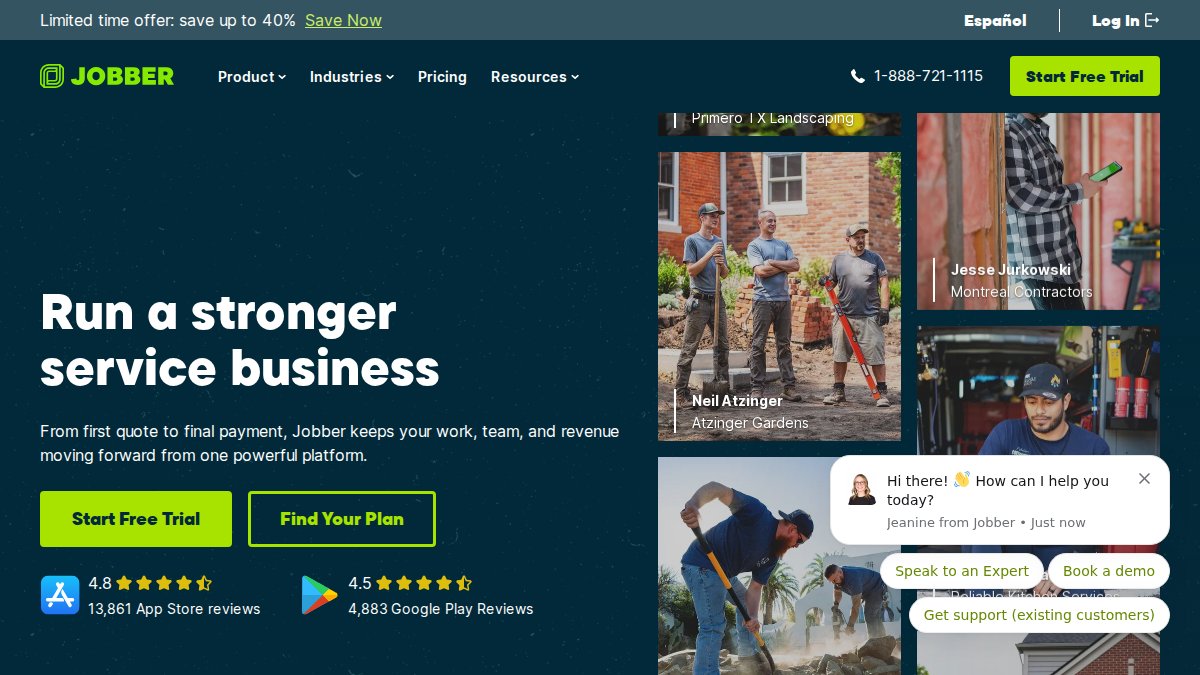
- 4. Jobber: Straightforward Scheduling and Invoicing
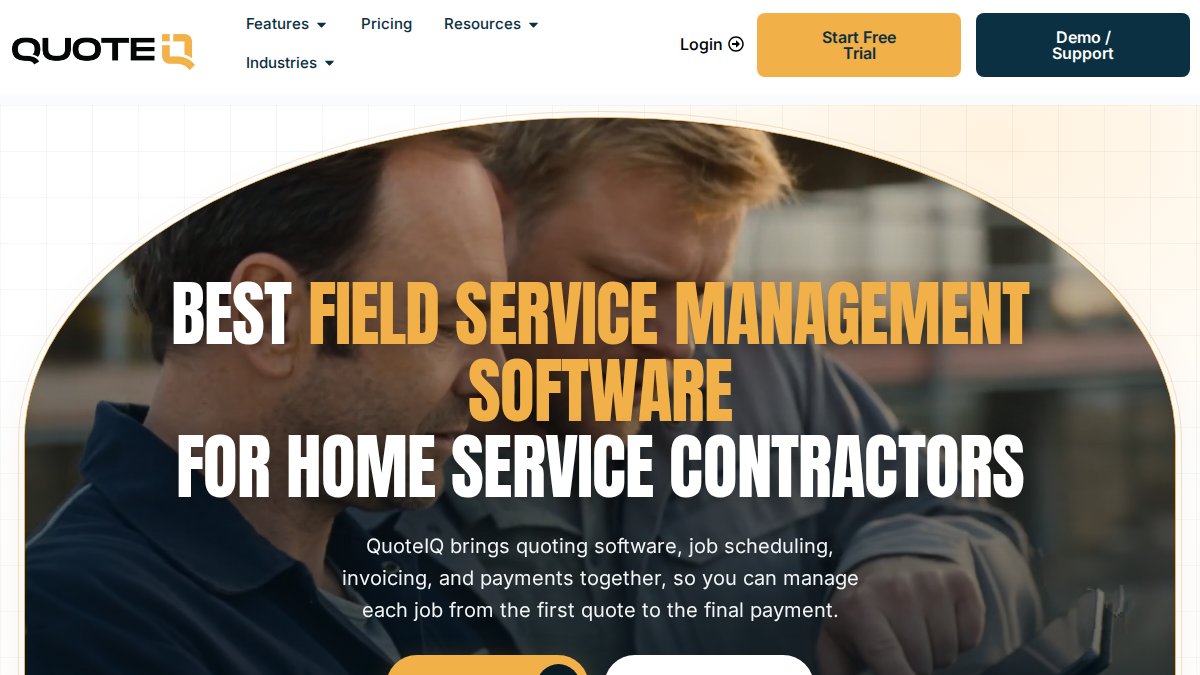
- 5. QuoteIQ: CRM and AI Estimating from $29.99 a Month
- 6. FieldEdge: Scheduling and Work Order Management
- Frequently Asked Questions
Quick Comparison: Remote Plumbing Software at a Glance
Remote plumbing software is field service management software that lets an owner run jobs, dispatch technicians, and collect payment from anywhere. The right stack depends on whether you need a full platform, a lightweight scheduling app, or a remote team to operate it for you.
Below, we’ll show you how to pick and flag trade-offs to consider.
| Option | Starting Price | Best For | Remote Workflow Strength |
|---|---|---|---|
| Hard Hat Helpers | Custom (consultation) | Owners who want the software run for them | Trained virtual dispatchers and estimators |
| ServiceTitan | Custom pricing | Larger plumbing operations | Deep dispatch and reporting |
| Housecall Pro | $49/month | Quotes, scheduling, billing in one app | Strong mobile app |
| Jobber | Contact for pricing | Simple scheduling and invoicing | Clean, easy to learn |
| QuoteIQ | $29.99/month | CRM plus AI estimating | All-in-one for small shops |
| FieldEdge | Contact for pricing | Scheduling and work orders | Solid work-order management |
How to Read the Prices in This Table
A starting price is not a monthly bill. Ask each vendor four questions:
- Is the price per user, per truck, or per company? A $49/month plan for one user becomes a very different number for a five-tech shop.
- What is included at that price? Scheduling, invoicing, and a mobile app are table stakes. Estimating, job costing, inventory, and marketing automation often sit on a higher tier.
- Are there setup or onboarding fees? Many platforms charge a one-time implementation fee, and some charge for data migration or training.
- What does payment processing cost? Card processing rates are typically separate from the subscription and can exceed the software fee at volume.
Subscription Models You Will Encounter
- Per-user subscription: The most common model. Costs scale linearly with headcount, which is predictable but can get expensive for a shop with several techs and an office manager.
- Tiered plans by feature: A lower tier covers scheduling and invoicing; a higher tier adds estimating, job costing, inventory, and reporting. The jump between tiers is often larger than the per-user difference.
- Custom or enterprise pricing: Larger platforms quote per account based on call volume, users, and modules. Expect a sales process and a contract term, and ask what happens at renewal.
Model the cost at your current size and at double your current size. A platform that is cheap for two trucks and painful for six is a platform you will outgrow in a year.
Total Cost of Ownership Beyond the Subscription
- Implementation and migration: Importing customer records, job history, and price books takes time. Some vendors include it; others charge for it or leave it to you.
- Training and lost productivity: Techs and office staff need time to learn the new system, and the first few weeks are slower. Budget for it.
- Payment processing: Card fees are typically 2-3% of the transaction, which on a $500 plumbing job is real money. Compare rates, not just subscriptions.
- Add-ons: Marketing automation, call tracking, customer financing, and inventory modules are often priced separately.
- Hardware: Rugged tablets, mounts, and card readers for the truck add up, especially across a fleet.
- Staffing: If the software automates dispatch but nobody is available to answer the phone, you have not solved the bottleneck. Some shops pair software with a virtual dispatcher or estimator rather than hiring a full-time office employee.
What the Table Does Not Tell You
The table is a starting point, not a decision. Three things it cannot show:
- How the mobile app behaves offline. Test it, as described in the section above.
- How the vendor handles your data. Ask about export, backups, and what happens to your records if you leave.
- How well the software fits your existing workflow. A platform that is excellent for a 20-truck commercial shop may be overkill for a two-truck residential operation, and vice versa.
What Plumbing Field Service Management Software Must Do for Remote Teams
For remote teams, the bar is higher. See best practices for training remote staff on service software before you roll out a new platform. Test the mobile app first and the dashboard second, because the technician in a crawlspace is the one who loses signal; the office can always find Wi-Fi.
Offline Mobile Access and the Workflows That Depend on It
- Open the work order. Can the tech see the customer address, scope, and prior service history without a connection?
- Log parts and labor. Can they add a part number and quantity, and does the app queue it for sync?
- Capture a signature and photos. Are attachments stored locally and uploaded later, or do they fail silently?
- Close and invoice. Can the tech mark the job complete and trigger an invoice, or does that step require the office?
- Reconnect and reconcile. When the signal returns, does the app merge the offline changes cleanly, or does it create a duplicate work order or overwrite the dispatcher’s edits?
The Remote Coordination Loop: Office, Tech, and Customer
- Dispatch to tech: Does the tech get a push notification with the job details, or do they have to refresh a list? Can the dispatcher see acceptance in real time?
- Tech to office: Can the tech flag a job as needing a second visit, a permit, or a part order, and does that flag route to the right person?
- Office to customer: Are on-my-way texts, estimate approvals, and payment links automated, or does someone copy and paste them?
- Owner visibility: Can the owner see job status, tech location, and daily totals from a phone, or only from a desktop dashboard?
If your team handles client data off-site, review securing client data for remote plumbing staff.
What to Test Before You Buy
- Two-device test: Have the owner and a tech use the app simultaneously on the same job and confirm both see the same status.
- Signal-loss test: Put a phone in airplane mode mid-job, complete the work order, reconnect, and check for duplicates.
- Permission test: Confirm a tech cannot see payroll, margins, or other techs’ jobs unless you intend them to.
- Export test: Ask for a full data export before you commit. If you cannot get your customer list and job history out, you do not own your data.
1. Hard Hat Helpers: Virtual Staff Who Run the Software for You
Hard Hat Helpers provides virtual dispatchers, estimators, and office managers trained for the home services industry.
Hard Hat Helpers handles onboarding, payroll, and benefits, monitors performance and attendance, and provides a dedicated Client Success Manager. Hard Hat Helpers offers 24/7 availability and can reduce overhead costs by over 50%. Streamlining these administrative burdens creates the necessary capacity to focus on digital marketing for plumbers to ensure a steady stream of new service requests.
Best for: owners who want the software operated, not just purchased.
Skip if: you already have a fully staffed office team.
For details on pricing, book a consultation.
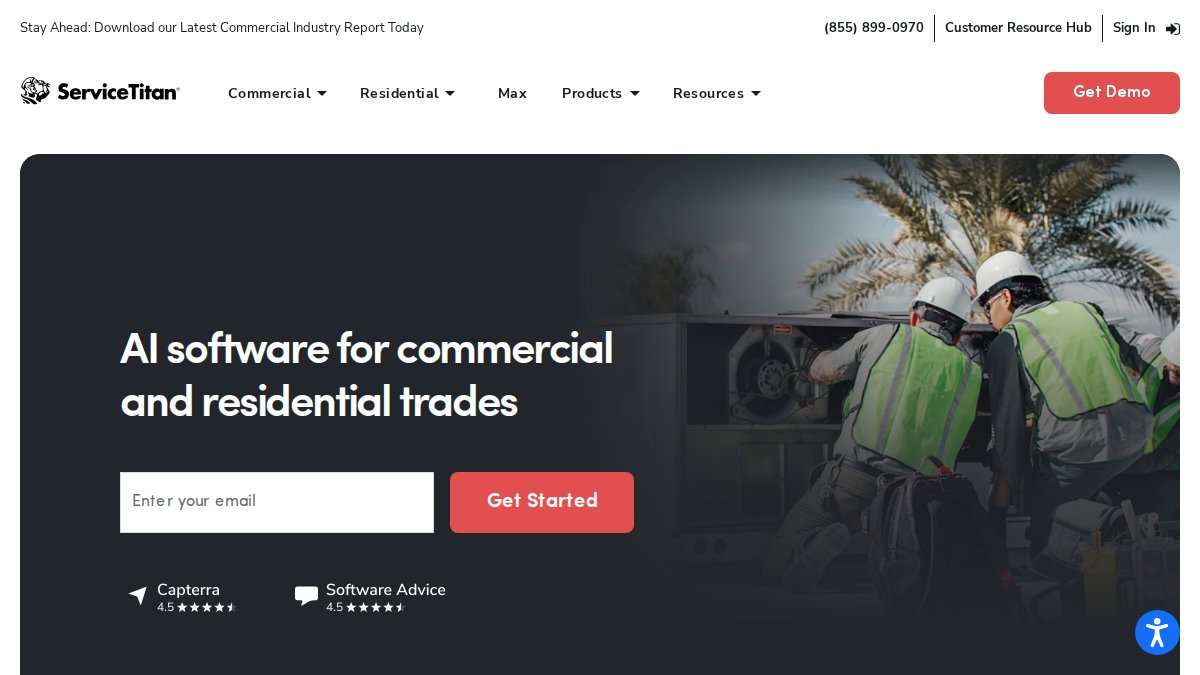
2. ServiceTitan: Built for Larger Plumbing Operations
Best for: established plumbing companies with a full office staff.
Skip if: you are a solo operator or small shop.
3. Housecall Pro: Quotes, Scheduling, and Billing in One App
Best for: plumbing businesses that want quoting and billing in one place.
Skip if: you need deep custom reporting.
4. Jobber: Straightforward Scheduling and Invoicing
Best for: small plumbing shops that want simple scheduling and invoicing.
Skip if: you need advanced estimating or job costing.
5. QuoteIQ: CRM and AI Estimating from $29.99 a Month
Best for: solo plumbers and small shops wanting an all-in-one platform. Follow a step-by-step CRM implementation guide for plumbing to get it live.
Skip if: you need enterprise dispatch depth.
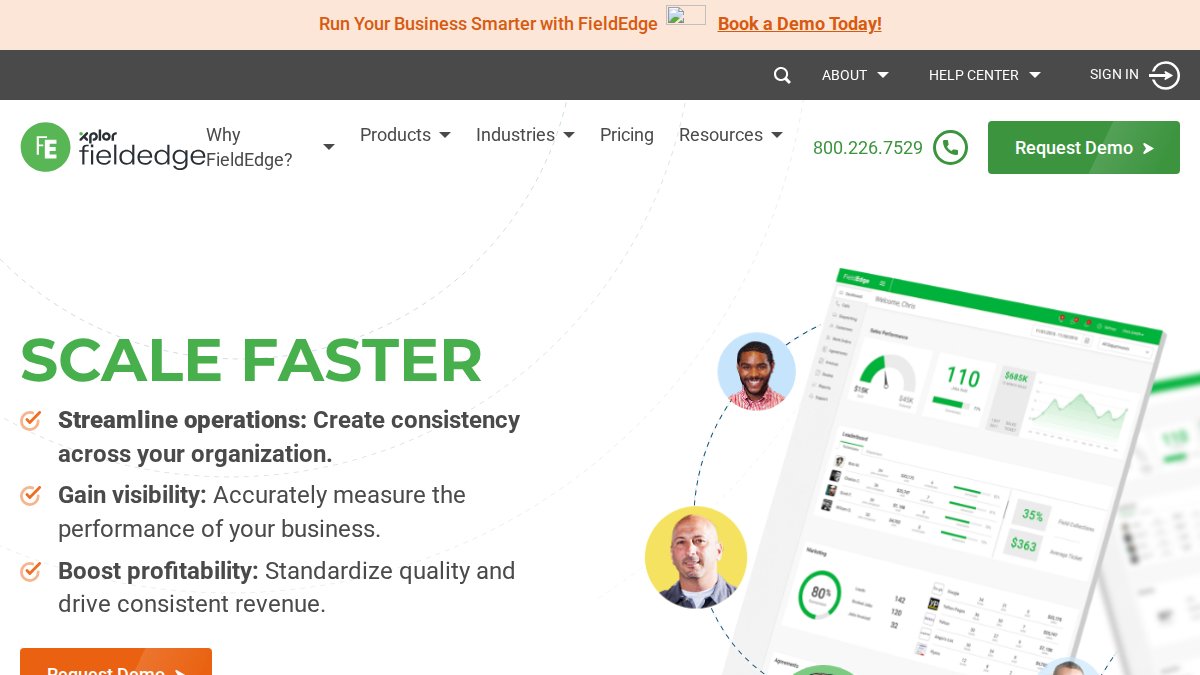
6. FieldEdge: Scheduling and Work Order Management
Best for: plumbing businesses that manage by work order. For a deeper guide, see how to optimize field service scheduling for plumbing.
Skip if: you want a free tier to test first.
Frequently Asked Questions
What features should remote plumbing software include?
At minimum, look for job scheduling and dispatching, a mobile app that works offline, customer records with service history, estimates and invoicing, and payment processing. GPS tracking and route optimization help cut travel time between service calls, and accounting integration keeps your books current without double entry. If your team works across several locations, check that technician assignment and job status updates sync in real time so the office and the field see the same schedule.
Can plumbing software handle scheduling, dispatch, estimates, and invoicing in one platform?
Yes. Most platforms in this category combine plumbing scheduling and dispatch software with estimating and invoicing. Housecall Pro, for example, covers quotes, scheduling, and billing, while Jobber handles scheduling and invoicing. The practical difference is depth: some tools are strong on dispatch but light on job costing, and others, like Knowify, lead with job costing and QuickBooks sync. Map the features you use daily before you commit to a plan.
How much does plumbing business management software cost?
Public starting prices in this roundup range from $24 per user per month for Mitti by SafetyCulture to $49 per month for Housecall Pro, with QuoteIQ at $29.99 per month. ServiceTitan, BuildOps, FieldEdge, Jobber, Knowify, and Contractor Foreman quote on request, so total cost depends on user count and modules. Ask each vendor what the starting plan includes before comparing, since plan limits are often not published.
Can virtual staff help manage a plumbing business remotely?
Hard Hat Helpers provides trained virtual dispatchers, estimators, and office managers for the home services industry. It manages onboarding, payroll, and benefits, and provides tailored training on your specific products, services, and tools.
Which plumbing software lets owners manage operations remotely?
Any platform with a solid mobile app and cloud access lets you check job status, approve estimates, and review invoices from a phone. ServiceTitan and FieldEdge suit larger operations managing work orders at scale, while Housecall Pro and Jobber fit smaller shops that want scheduling and billing in one place. The deciding factor is usually how well the mobile workflow matches how your technicians actually close out service calls.
Plumbing software only pays off when someone is actually running it, and that is the gap we close. Hard Hat Helpers provides trained virtual dispatchers, estimators, and office managers who operate your platform, with managed payroll, continuous performance monitoring, and a dedicated Client Success Manager behind every account. Get started with Hard Hat Helpers and put your software to work without adding office overhead.