




Table of Contents
- Understanding CRM Implementation for Plumbing Companies
- Step 1: Define Your Operational Workflows and Business Requirements
- Step 2: CRM Data Migration Best Practices for Home Services
- Step 3: Training Field Staff on CRM Software
- Step 4: Integrating CRM with Plumbing Dispatch Software
- Step 5: Create a CRM Implementation Checklist for Home Services
- Avoiding Post-Implementation Pitfalls and Troubleshooting
- Conclusion
Last Updated: August 19, 2026
Understanding CRM Implementation for Plumbing Companies
CRM implementation for plumbing companies is the systematic process of deploying customer relationship management software to centralize customer data, automate workflows, and improve operational efficiency. For plumbing contractors, this means transitioning from scattered spreadsheets, paper job tickets, and fragmented customer records into a unified system that every team member can access and update in real time.
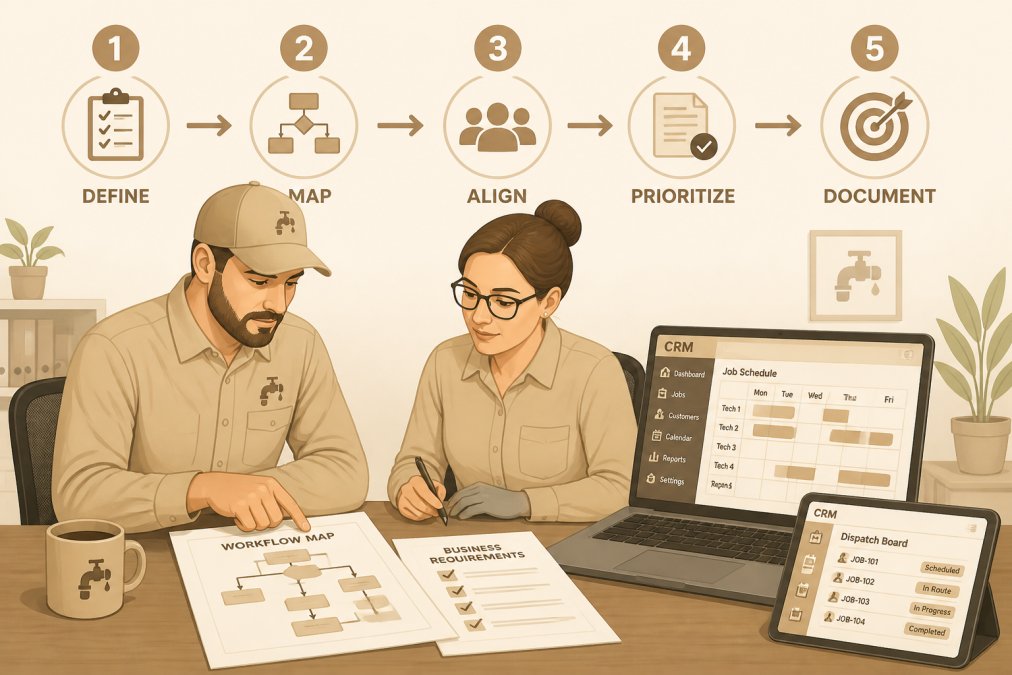
The real difficulty isn’t the software itself, it’s getting your team to adopt it, migrating years of customer history without losing critical information, and integrating it with your existing dispatch and accounting systems. Plumbing businesses that skip these steps often abandon their CRM within six months, frustrated by incomplete data and workflows that don’t match how they actually work.
The biggest mistake plumbing companies make is buying CRM software before defining how they actually work. You’ll end up forcing your business into the software’s template instead of configuring the software around your real processes.
Step 1: Define Your Operational Workflows and Business Requirements
Before you touch any CRM software, map out your actual operational workflows. Start by interviewing your key people: your dispatcher, lead technician, and office manager. Ask how they actually work, not how the process should work.
Document these critical workflows:
- Lead capture and qualification: Where do inquiries come from? Who qualifies them?
- Job scheduling and dispatch: How are jobs assigned? What factors matter, location, skill level, availability?
- Customer communication: When does the customer hear from you?
- On-site quoting and invoicing: Do technicians quote in the field or send estimates later?
- Payment processing: How do customers pay?
- Service history and follow-up: How do you track what was done? Who initiates preventative maintenance reminders?
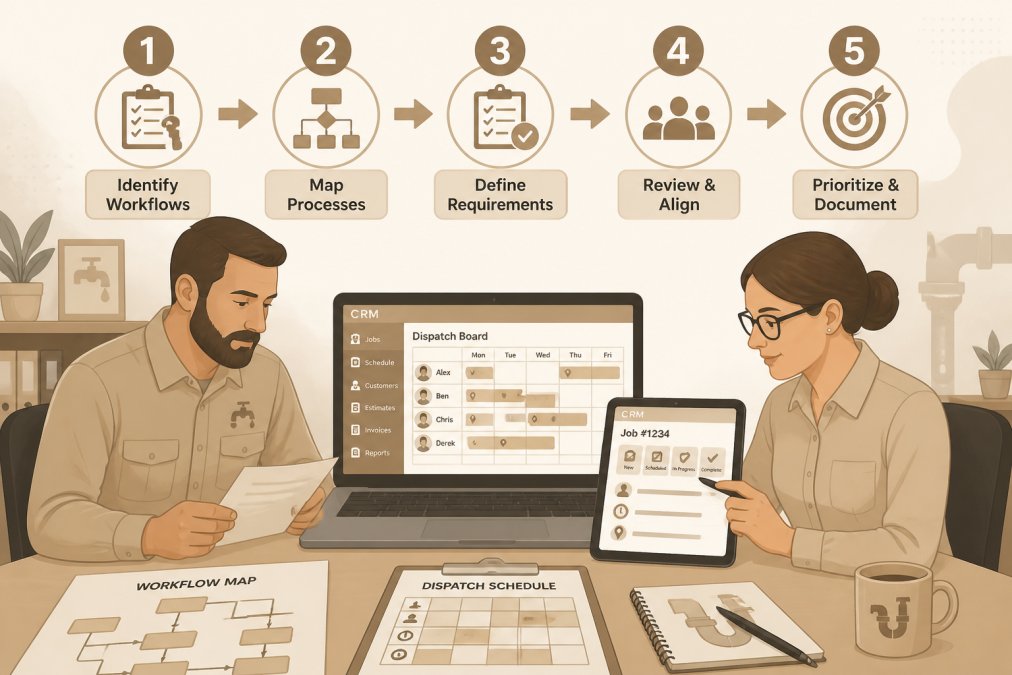
Next, identify your pain points. What’s costing you time or money right now? Common issues include double-booked technicians, lost customer history when staff leaves, missed follow-ups, and technicians spending hours on paperwork. Your CRM should solve at least three of these problems.
Finally, define your business requirements. Does your CRM need to handle preventative maintenance agreements? Multi-location support? Integration with accounting software? These requirements narrow your options and prevent you from paying for features you’ll never use.
The CRM that works best for you isn’t the one with the most features, it’s the one that matches your actual workflows and solves your specific pain points.
Step 2: CRM Data Migration Best Practices for Home Services
Data migration is where plumbing companies lose months and hundreds of dollars. You’re transferring years of customer records, service history, and pricing information from spreadsheets, old systems, or paper files into a new platform. Do it wrong, and your new CRM becomes a liability with incomplete records causing callbacks and missing payment terms creating disputes.
Start by auditing your existing data. Pull every customer database you have and consolidate them into a single master list. You’ll find duplicates, incomplete records, and outdated information.
Clean the data before migration. Remove duplicate entries, standardize formatting, and fill in gaps where possible. A clean database of 1,000 customers beats a messy database of 1,500.
Map your data fields carefully. Decide which old fields map to which new fields. Some information won’t transfer directly, and that’s fine. Document what you’re keeping and what you’re leaving behind.
Test the migration on a small subset first. Migrate 50 customers, verify the data looks right, then adjust your process. Many CRM platforms offer migration support for home service companies. Use it.
Plan your cutover date carefully. Most plumbing companies migrate during a slower season. Pick a date, communicate it to your team weeks in advance, and run parallel systems for a week if possible.
Never migrate data on a Friday afternoon and expect your team to figure it out Monday morning. Budget at least one full business day for the team to adjust and troubleshoot.
Step 3: Training Field Staff on CRM Software
This is where most CRM implementations actually fail. The software is installed and data is migrated, but technicians don’t have time to figure out a mobile app while they’re climbing on roofs. They’ll go back to paper and ignore the system.
Train your field staff before you go live. Show them the specific features they’ll use daily: viewing job details, marking jobs complete, taking photos, and requesting parts. Don’t show them every feature, show them their workflow.
Make the mobile app easy to use. Plumbing technicians work with their hands. The most common actions should be one or two taps. Test the app on the phones your technicians actually use.
Provide job aids and checklists. Create a one-page PDF showing essential steps: clock in, view today’s jobs, navigate to the address, update job status, take photos, clock out.
Start with a pilot group. Pick three experienced technicians who are comfortable with technology. Let them use the system for a week, gather feedback, and fix problems before wider rollout. They’ll become your champions.
Expect resistance. Some technicians will say the app slows them down. This is normal. The transition period is uncomfortable. Be clear that the old system is ending.
Assign one technician as your “CRM champion”, someone who adopts the system quickly and becomes the go-to person for questions. Pay them a small bonus for helping other technicians troubleshoot. This peer support is far more effective than repeated explanations.
Step 4: Integrating CRM with Plumbing Dispatch Software
Your CRM and dispatch system must talk to each other. If they don’t, you’ll end up with duplicate data and conflicting information. A job scheduled in dispatch should automatically appear in the CRM. A technician updating status in the CRM should update dispatch in real time.
Check whether your chosen CRM integrates natively with your dispatch system. Native integrations are more reliable than third-party connectors. If your current dispatch software doesn’t integrate well with your chosen CRM, switch to a system that does. Don’t try to force two incompatible systems together.
Map the data flow. Define what information moves from dispatch to CRM and vice versa. Typically, job assignments flow from dispatch to CRM, and technician status updates flow from CRM back to dispatch.
Test the integration thoroughly before going live. Create test jobs in dispatch and verify they appear correctly in the CRM. Have a technician update a job status in the CRM and confirm it syncs back to dispatch.
Plan for downtime. Integration issues sometimes happen. Have a manual backup process so your team knows to update both systems manually until the integration recovers.
Step 5: Create a CRM Implementation Checklist for Home Services
A structured checklist keeps your implementation on track. Use this as your template:
| Phase | Task | Owner | Timeline | Status |
|---|---|---|---|---|
| Planning | Audit current workflows and pain points | Operations Manager | Week 1-2 | |
| Planning | Define business requirements and feature needs | Owner + Key Staff | Week 2-3 | |
| Planning | Research and select CRM platform | Owner | Week 3-4 | |
| Data Prep | Consolidate all customer databases | Office Manager | Week 4-6 | |
| Data Prep | Clean and standardize data fields | Office Manager + Team | Week 6-8 | |
| Data Prep | Map old data fields to new CRM fields | IT/Admin | Week 8-9 | |
| Migration | Perform test migration on sample data | IT/Admin | Week 9 | |
| Migration | Execute full data migration | IT/Admin | Week 10 | |
| Integration | Test CRM-to-dispatch integration | IT/Admin + Dispatch | Week 10-11 | |
| Training | Conduct office staff training | Manager | Week 11 | |
| Training | Conduct technician pilot group training | Manager | Week 11-12 | |
| Training | Conduct full technician training | Manager | Week 12 | |
| Launch | Go-live with office staff | Owner | Week 13 | |
| Launch | Go-live with field technicians | Owner | Week 13-14 | |
| Support | Monitor adoption and troubleshoot issues | Manager | Week 14+ | |
| Optimization | Gather feedback and optimize workflows | Owner + Team | Week 16+ |
This timeline assumes a mid-sized plumbing company with 10-20 technicians. Smaller companies might compress it into 8 weeks. Larger companies might extend it to 5-6 months.
Assign clear ownership. Every task needs an owner responsible for completing it. Don’t leave tasks ambiguous. Build in buffer time, implementation always takes longer than expected.
Avoiding Post-Implementation Pitfalls and Troubleshooting
The first month after go-live is critical. Your team is learning the system, and problems surface that you didn’t anticipate. Common issues include incomplete customer records causing callbacks, technicians reverting to paper, and dispatch and CRM data diverging.
Set up a daily standup during the first two weeks. Spend 15 minutes each morning discussing what broke yesterday and what needs immediate attention. Document every issue and its solution.
Monitor data quality obsessively. Run reports on customer records, service history, and pricing information. If data quality is poor, your team won’t trust the system.
Track adoption metrics. How many technicians are using the mobile app daily? What percentage of customer records have complete information? These metrics show whether your implementation is working.
Create a feedback loop. Ask your team what’s working and what’s not. If the system isn’t working for them, fix it or adjust the process.
Common post-implementation problems include incomplete data migration, technician resistance, integration failures, slow mobile app performance, and feature confusion. Address these immediately. If adoption stalls after 30 days, you have a serious problem.
If your CRM adoption stalls after 30 days, investigate immediately. Talk to your team, identify the blockers, and address them. A failed CRM implementation damages trust and makes the next system transition even harder.
Implementing CRM for plumbing companies is a three-month transition that requires planning, discipline, and support. The companies that succeed treat it like a business project. They define their workflows first, clean their data carefully, train their people thoroughly, and integrate their systems properly. They also accept that the first month will be uncomfortable and that their team needs ongoing support.
Hard Hat Helpers works with plumbing companies scaling beyond what their current systems can handle. If you’re managing dispatch, customer records, and technician coordination across spreadsheets and paper tickets, a CRM implementation is your path to operational efficiency. Book a consultation with Hard Hat Helpers to discuss how CRM implementation fits into your growth strategy.
Frequently Asked Questions
What are the essential steps for implementing a CRM in a plumbing company?
The core steps are defining workflows, migrating customer data, training your team, integrating with dispatch software, and establishing accountability. Start by mapping your current processes, how leads enter your system, how jobs are assigned, how invoices are sent. Then choose a CRM that handles appointment scheduling, technician tracking, and automated invoicing. Migrate your customer history and service records carefully, train both office and field staff, and integrate with your dispatch system so technicians see real-time updates on mobile devices. Monitor adoption closely and troubleshoot issues as they arise.
How long does CRM implementation typically take for a plumbing company?
Most plumbing companies see basic functionality within 2-4 weeks, but full adoption across your team usually takes 2-3 months. The timeline depends on your data volume, team size, and how much customization you need. Data migration and cleanup often take longer than expected, plan 1-2 weeks just for that phase. Field staff adoption is the longest phase because technicians need hands-on training and time to adjust to mobile workflows. Expect 30-45 days before your team stops reverting to old processes.
What data should be migrated when setting up a plumbing CRM?
Prioritize customer contact information, service history, job records, and payment data. Export customer names, addresses, phone numbers, email addresses, and any notes about their properties or service preferences. Include all completed jobs with dates, descriptions, costs, and outcomes. Migrate invoices and payment records so you have a complete financial history. Clean your data before import, remove duplicates, standardize phone number formats, and verify addresses. Do not migrate incomplete or outdated records; use the transition as an opportunity to purge stale data. Test the migration with a small subset first before moving your entire database.
How do you ensure field technicians actually use the new CRM system?
Adoption depends on clear training, mobile accessibility, and leadership accountability. Show technicians how the CRM saves them time, faster job information, automatic route optimization, real-time customer history. Make the mobile app simple and fast on their phones; if it's slow or clunky, they will resist. Start with one or two early adopters who can champion the system to peers. Have management check in weekly on usage metrics and celebrate wins. Set expectations that CRM updates are required before clocking out. Resistance is normal; address concerns directly and adjust workflows if the software creates bottlenecks.

