

Table of Contents
- What Remote Dispatch Solutions for Contractors Actually Look Like in Practice
- Top-Rated Construction Dispatch Software Platforms Compared
- Jobber: Best for Small to Mid-Size Residential Contractors
- ServiceTitan: Best for Large-Scale HVAC, Plumbing, and Electrical Operations
- Housecall Pro: Best Mobile-First Solution for Home Service Teams
- Workiz: Best for Phone-Driven Lead Generation and Dispatching
- FieldEdge, Simpro, mHelpDesk, Kickserv, and Connecteam: Quick Comparisons
- Key Features to Demand from Field Service Management Software
- The Real Dispatch Automation Benefits Contractors Overlook
- How to Choose the Right Contractor Scheduling Apps for Remote Operations
- Two Gaps Most Remote Dispatch Solutions for Contractors Ignore
- Hard Hat Helpers: Virtual Dispatch Staffing Built for Home Services
- Conclusion: Building a Remote Dispatch Operation That Scales
Last Updated: June 12, 2026
Finding the right remote dispatch solutions for contractors is no longer a nice-to-have. For home service businesses managing technicians across multiple job sites, the ability to schedule, route, and communicate from anywhere is now the operational baseline. This guide from Hard Hat Helpers breaks down the top platforms, the features that actually matter, and the two gaps most software vendors still refuse to address.
According to ServiceTitan’s field service industry research, contractors who adopt digital dispatch tools report faster job completion rates and fewer scheduling conflicts compared to those still relying on whiteboards and phone calls.
What Remote Dispatch Solutions for Contractors Actually Look Like in Practice
Remote dispatch solutions for contractors are field service management systems that allow job scheduling, technician routing, and customer communication to happen without a physical office presence. A dispatcher can be in a home office or a different time zone and still have full visibility into every job on the board.
Here’s what most guides get wrong: they treat dispatch software as the whole solution. The software is the tool. The dispatcher is the operator. A contractor running Jobber with an undertrained dispatcher will underperform a competitor using a simpler tool with a skilled remote team.
A functional remote dispatch operation involves:
- A cloud-based dispatch board with real-time technician status
- GPS tracking or mobile check-ins for field crews
- Automated customer notifications for appointment windows and ETAs
- CRM integration so dispatchers have job history before picking up the phone
- A defined protocol for emergency call handling and after-hours coverage
Remote dispatch is not just about software. It’s a combination of the right platform, a trained dispatcher, and documented workflows. All three have to be in place [before the system scales](/how-to-scale-home-service-business/).
Top-Rated Construction Dispatch Software Platforms Compared
Choosing the right construction dispatch software starts with knowing what size operation each platform was built for. The tools below represent the most widely adopted options in the home services market as of 2026.
| Platform | Starting Price | Best For | Free Tier | Key Differentiator |
|---|---|---|---|---|
| Jobber | $39/month | Small to mid-size residential | No | Ease of use, QuickBooks sync |
| ServiceTitan | Contact for pricing | Large HVAC, plumbing, electrical | No | AI dispatch board, analytics |
| Housecall Pro | $59/month | Mobile-first home service teams | No | Customer communication focus |
| Workiz | $225/month | Phone-driven lead generation | No | Built-in phone system |
| mHelpDesk | $55/user/month | Growing service businesses | No | Offline mode |
| FieldEdge | Contact for pricing | Multi-truck contractors | No | Deep QuickBooks integration |
| Simpro | Contact for pricing | Complex commercial projects | No | Project and inventory management |
| Kickserv | $60/month | Small teams, simple workflows | No | Fast setup, affordable |
| Connecteam | $29/month | Workforce + dispatch combined | Yes | HR and scheduling in one app |
Jobber: Best for Small to Mid-Size Residential Contractors
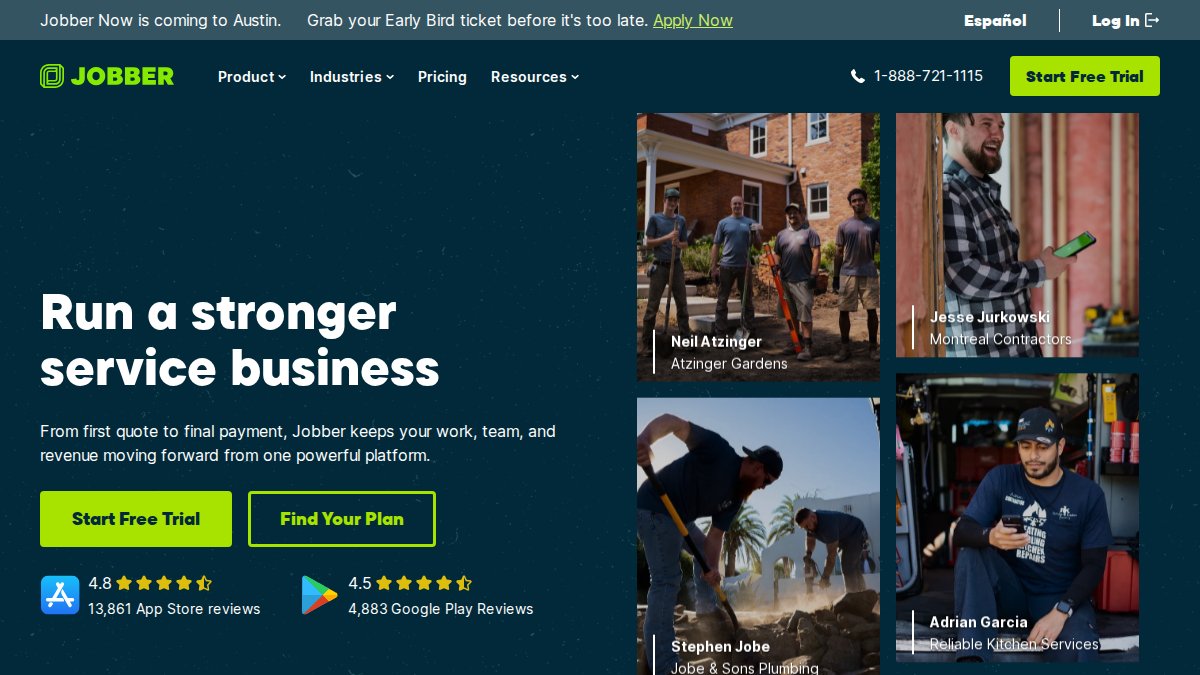
Jobber is the most approachable entry point into field service management for residential contractors, starting at $39/month. The drag-and-drop dispatch calendar makes mid-day reassignments easy, GPS tracking gives remote dispatchers real-time technician locations, and automated client notifications reduce inbound calls. QuickBooks Online integration keeps the back office in sync without double entry. The honest limitation: advanced job costing is locked behind higher-tier plans.
Best for: Residential contractors with 2-15 technicians who want a clean, functional tool without a steep learning curve.
ServiceTitan: Best for Large-Scale HVAC, Plumbing, and Electrical Operations
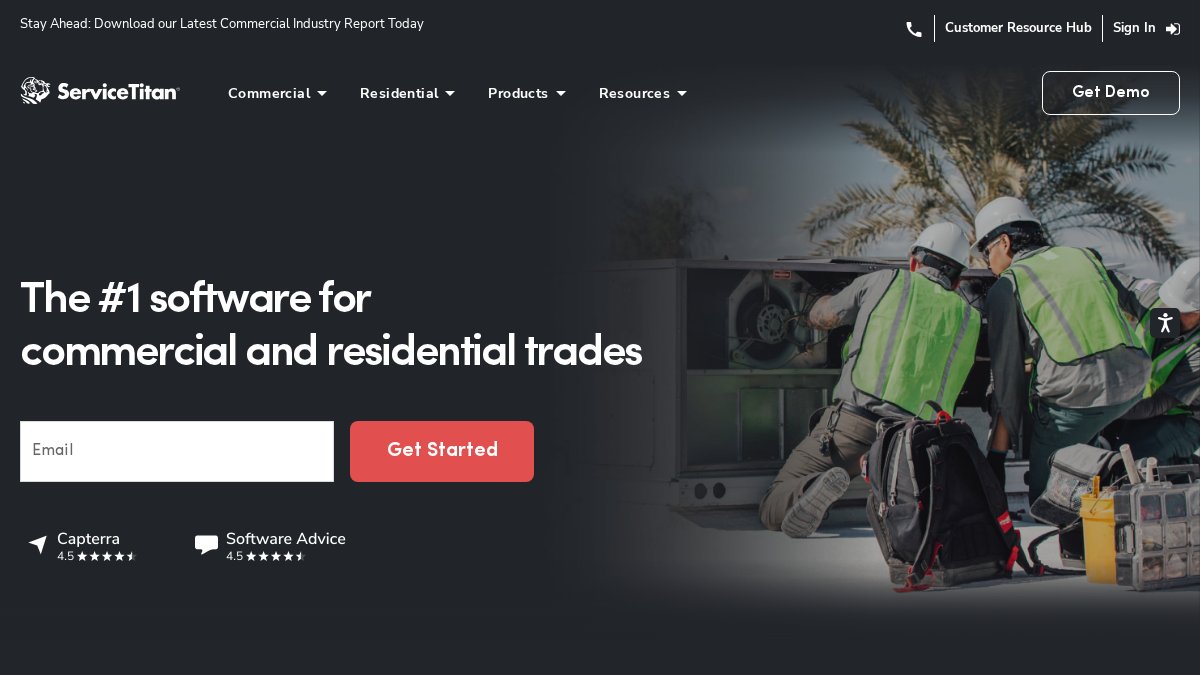
ServiceTitan’s AI-powered dispatch board factors in technician skills, location, job history, and availability to suggest optimal assignments, a genuine differentiator when managing 30+ technicians across multiple service zones. Real-time fleet tracking, advanced reporting, and an integrated pricebook make it a full operations platform. The trade-off is implementation: onboarding takes months, not days.
Best for: High-growth HVAC, plumbing, and electrical contractors who need a platform that scales with their revenue and team size.
ServiceTitan’s implementation timeline is often underestimated. Budget for 60-90 days of onboarding and dedicate a point person internally to manage the transition. Contractors who skip this step frequently abandon the platform within the first year.
Housecall Pro: Best Mobile-First Solution for Home Service Teams
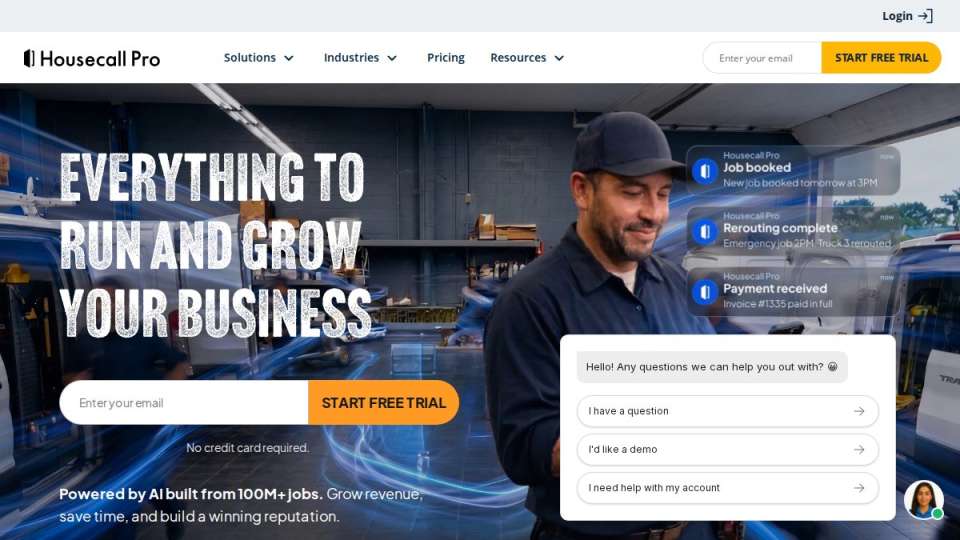
Housecall Pro’s customer communication layer sends automated text and email updates at every job stage, reducing no-shows and improving satisfaction scores without dispatcher intervention. The map-based technician view makes real-time routing fast and intuitive. At $59/month it’s strong value for small teams, though very large operations will find the feature set constraining.
Best for: Home service contractors who prioritize customer experience and need a mobile-first tool their field technicians will actually use.
Workiz: Best for Phone-Driven Lead Generation and Dispatching
Workiz combines a built-in phone system with call tracking and recording, AI-driven scheduling, and automated follow-ups, eliminating the need for separate VoIP and CRM tools. At $225/month it’s pricier than entry-level options, but when you factor in the third-party tools it replaces, the math often works out.
Best for: Service businesses where phone-based lead generation drives the majority of booked jobs.
FieldEdge, Simpro, mHelpDesk, Kickserv, and Connecteam: Quick Comparisons
FieldEdge is the go-to for established multi-truck contractors who live inside QuickBooks. The synchronization is deeper than any competitor, and the real-time dispatch board handles large fleets without lag. Plan for proper onboarding.
Simpro is built for commercial contractors managing complex, multi-phase projects. Its inventory and supply chain management features go well beyond residential-focused tools, for the right operation, it’s the most complete end-to-end solution available.
mHelpDesk stands out for offline mode. For contractors working in areas with poor connectivity, managing work orders and dispatch without an internet connection is a genuine operational advantage.
Kickserv is the fastest to implement on this list. At $60/month it covers scheduling, dispatching, automated notifications, and QuickBooks and Stripe integration, hard to beat for a team that needs to get operational quickly.
Connecteam is the only platform here with a free tier, combining dispatching with time tracking, HR tools, and internal communication. The trade-off: it’s not a dedicated field service management tool, so trade-specific features like pricebooks are absent.
Key Features to Demand from Field Service Management Software
Three feature categories consistently separate functional dispatch software from tools that create more work than they save.
Real-Time Job Visibility, Tracking, and the Dispatch Board
The dispatch board must show every open, assigned, and in-progress job at a glance with real-time technician status. Drag-and-drop reassignment is non-negotiable: when a job runs long or a tech calls out, a dispatcher needs to adjust in seconds. Real-time GPS matters most for emergency call handling, identifying the nearest available technician becomes immediate rather than a guess. Automated ETAs and status updates reduce inbound call volume without dispatcher effort.
Multi-Truck Routing, Logistics Optimization, and Emergency Call Handling
Route optimization calculates the most efficient job sequence across your fleet, factoring in drive time, job duration, and technician skill sets. According to Gartner’s field service management market guide, logistics optimization is consistently cited as the top ROI driver for contractors adopting dispatch software.
Emergency call handling requires specific workflow configuration. The best platforms let dispatchers flag emergency jobs, trigger automated notifications to the nearest available technician, and update the customer, all within a single dispatch action. Test this specifically in any demo before purchasing.
CRM Integration, Accounting Sync, and Automated Notifications
Standalone dispatch software that doesn’t connect to your CRM and accounting system creates data silos. A dispatcher handling an inbound call should see the customer’s full job history before the conversation starts. QuickBooks integration is the baseline expectation; FieldEdge’s synchronization is the most complete, Jobber’s is sufficient for most small operations.
Automated notifications, appointment reminders, technician-on-the-way alerts, job completion confirmations, reduce dispatcher workload while improving customer experience. Set them up once and they run without human intervention.
:::pro-tip
When evaluating CRM integration, ask vendors specifically about two-way sync. One-way data pushes to QuickBooks are common. True two-way sync, where updates in either system reflect in both, is rarer and worth paying for.
:::
The Real Dispatch Automation Benefits Contractors Overlook
The automation benefits that actually change a contracting business are more specific than "saving time."
After-hours booking portals connected to your dispatch board capture jobs while your office is closed, leveling the playing field against larger operations with 24/7 call centers, without adding headcount. Real-time GPS data and required photo documentation create a technician accountability paper trail that protects the business. Most overlooked: every dispatched job generates data on technician productivity, job duration accuracy, and customer response rates. Contractors who review this monthly make better hiring, scheduling, and pricing decisions.
As documented in McKinsey’s analysis of digital operations in field service, service businesses that adopt data-driven scheduling see measurable improvements in both technician utilization and customer satisfaction scores.
How to Choose the Right Contractor Scheduling Apps for Remote Operations
The biggest mistake contractors make when evaluating contractor scheduling apps is prioritizing features over fit. A platform with 200 features your dispatcher uses 10 of is not an advantage.
Step 1: Define your dispatch volume. Kickserv and Jobber handle low to moderate volume efficiently. ServiceTitan and FieldEdge are built for high-volume, multi-truck operations.
Step 2: Identify your integration requirements. Non-negotiable integrations should eliminate options that don’t support them.
Step 3: Assess your dispatcher’s technical comfort level. Involve the dispatcher in the demo process, a platform they find confusing will underperform a simpler one they master.
Step 4: Test emergency call handling specifically. Run a mock emergency scenario during the trial. If it takes more than three steps to assign the job and notify the customer, keep looking.
Step 5: Evaluate mobile app quality independently. Read technician reviews, not just contractor reviews, before deciding.
| Decision Factor | Best Option |
|---|---|
| Smallest budget, fastest setup | Kickserv or Connecteam |
| Best mobile experience for techs | Housecall Pro |
| Deepest accounting integration | FieldEdge |
| Phone-driven lead generation | Workiz |
| Enterprise scale and analytics | ServiceTitan |
| Balanced features for growing teams | Jobber |
Two Gaps Most Remote Dispatch Solutions for Contractors Ignore
Most software reviews stop at features and pricing. Two critical operational areas get almost no coverage, and they’re the ones that cause remote dispatch setups to fail in the first six months.
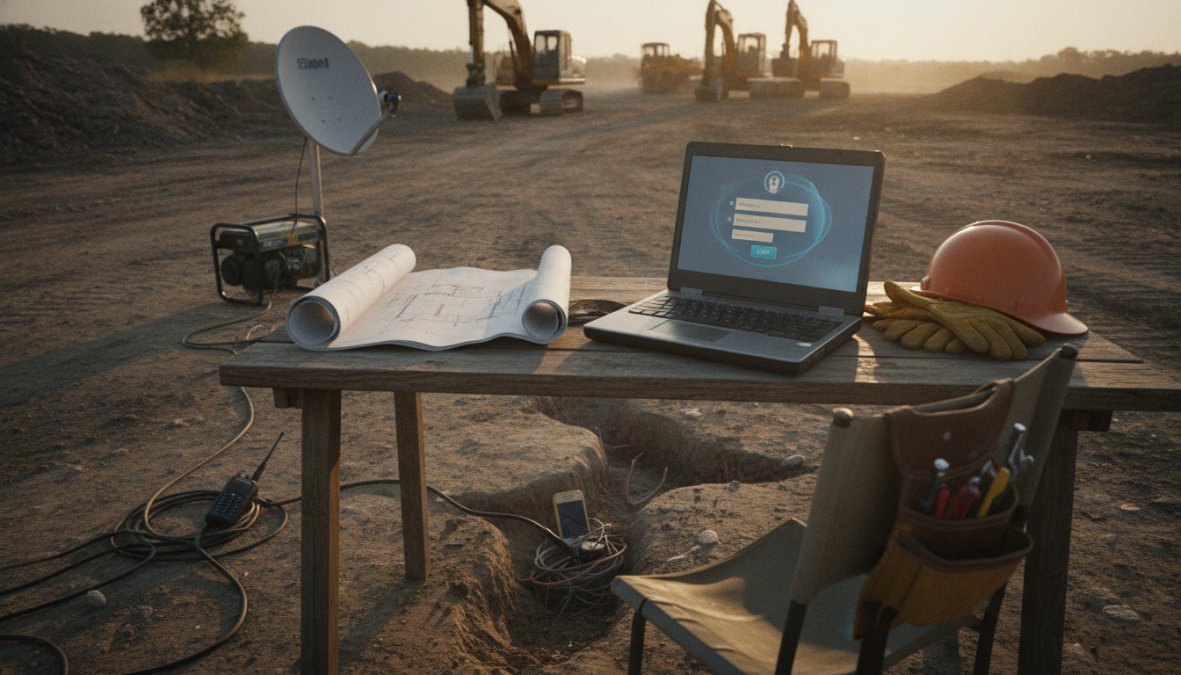
Hardware Requirements and Security for Remote Dispatchers
A remote dispatcher on an underpowered laptop with a shared home internet connection is a liability. At minimum, a remote dispatcher needs:
- A computer with at least 16GB RAM and a multi-core processor (dispatch boards with live GPS data are resource-intensive)
- A wired ethernet connection, not WiFi, for call handling and real-time tracking
- A headset with noise cancellation for phone-based emergency call handling
- A secondary monitor for managing the dispatch board while handling inbound calls simultaneously
Security is where most contractors have genuine exposure. Dispatch software contains customer addresses, payment records, and technician schedules. Minimum security requirements:
- VPN required for all platform access
- Multi-factor authentication enabled on the dispatch platform
- Company-issued or company-configured device (not personal equipment)
- Password manager with unique credentials for every tool
- Defined offboarding protocol that revokes access immediately upon separation
According to CISA guidance on remote workforce security, organizations that fail to implement MFA on cloud-based tools account for a disproportionate share of credential-based breaches.
Transitioning from Manual to Automated Dispatching (and Training Your Team)
The transition from whiteboard and phone calls to cloud-based dispatch is where most implementation failures happen. The software works. The people don’t adapt.
Run the old system and the new system simultaneously for two to four weeks. Yes, it’s double the work, but when something goes wrong in the new system, jobs don’t fall through the cracks.
Remote dispatcher training should cover three areas vendors rarely address:
Platform mechanics: How to use the dispatch board, assign jobs, update statuses, and generate reports. This is what vendors train on.
Dispatch judgment: How to prioritize competing jobs, handle technician conflicts, and make real-time routing decisions. This is what experienced dispatchers know and new ones have to learn.
Communication protocols: How to handle customer escalations, emergency calls, and technician no-shows without a manager in the next office. This is what separates a functional remote dispatch setup from one that creates constant fires.
Build a documented playbook before going live. Every scenario your dispatcher will encounter should have a defined response.
Hard Hat Helpers: Virtual Dispatch Staffing Built for Home Services
Software solves the platform problem. It doesn’t solve the people problem. Hard Hat Helpers provides pre-qualified, trained dispatchers ready to operate inside your existing tools from day one, not general administrative talent, but dispatchers, estimators, and office managers specifically trained for home services. They understand HVAC dispatch workflows, plumbing emergency call handling, and electrical job scheduling because that’s the only industry they work in.
Hard Hat Helpers manages onboarding, payroll, and benefits, removing the administrative burden of hiring. Continuous performance and attendance monitoring means contractors aren’t managing dispatcher performance manually. Contractors using this model can cut overhead costs by over 50% compared to hiring an in-house dispatcher with full benefits.
Building a remote dispatch operation that actually scales requires the right software for your operation size and a trained dispatcher who knows how to use it under pressure. Hard Hat Helpers provides the dispatcher side of that equation, with virtual staffing professionals trained specifically for home services, 24/7 availability, and managed payroll and benefits that reduce your administrative overhead from day one. Book a consultation with Hard Hat Helpers and get a dispatch operation that runs without you having to run it.
Frequently Asked Questions
What is a remote dispatch solution for contractors?
A remote dispatch solution for contractors combines cloud-based field service management software with either virtual dispatchers or automated scheduling tools to coordinate technicians, jobs, and customer communication without requiring an on-site office. This can mean using platforms like Jobber or ServiceTitan, hiring pre-trained virtual dispatch staff, or both. The goal is to maintain full dispatch workflow control, scheduling, routing, and emergency call handling, from any location.
How does construction dispatch software improve contractor efficiency?
Construction dispatch software improves efficiency by replacing manual phone-and-whiteboard workflows with a centralized dispatch board, real-time technician tracking, and automated customer notifications. Features like drag-and-drop scheduling, route optimization, and AI-driven scheduling reduce wasted drive time and double-bookings. Contractors typically see faster job completion rates and fewer missed appointments. Integrations with CRM and accounting tools like QuickBooks further reduce administrative back-and-forth between the office and field teams.
What features should I prioritize when comparing contractor scheduling apps?
For remote dispatch operations, prioritize real-time GPS tracking, a mobile-friendly dispatch board, automated notifications for customers and technicians, and CRM or QuickBooks integration. If you run multiple trucks, route optimization and multi-job scheduling are essential. For businesses with heavy phone volume, look for built-in call tracking like Workiz offers. Small teams should weigh ease of setup heavily, while larger operations should evaluate AI-driven scheduling and advanced reporting capabilities before committing.
Is hiring a virtual dispatcher better than using dispatch software alone?
Software handles automation and visibility, but it cannot replace human judgment for emergency call handling, customer escalations, or nuanced scheduling decisions. Many growing contractors use both: dispatch management software for real-time tracking and job templates, paired with a trained virtual dispatcher who monitors the board and manages exceptions. Services like Hard Hat Helpers provide pre-qualified remote dispatchers trained specifically on home service operations, which can reduce overhead costs by over 50% compared to an in-house hire.
What hardware and security setup does a remote dispatcher need?
A reliable remote dispatcher needs a modern computer with at least 8GB RAM, a wired internet connection for stability, a quality headset for call handling, and a second monitor for managing the dispatch board alongside communication tools. On the security side, require VPN access, two-factor authentication on all dispatch platforms, and a clear data privacy policy covering customer job and payment information. These basics prevent the most common operational and compliance risks in remote dispatch operations.